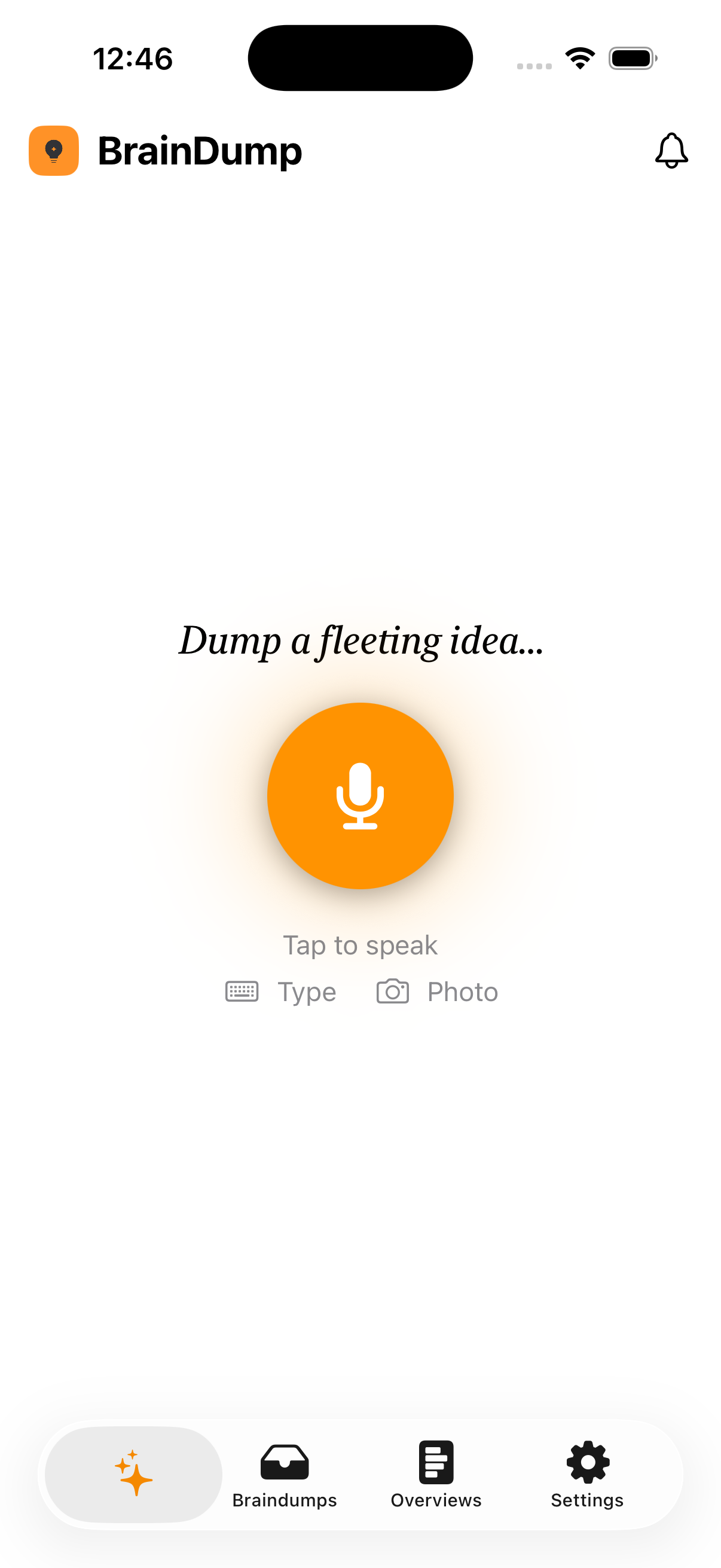
CAPTURE · KEEP · FIND · ACT
It files itself. Text, photos, screenshots, links, voice — everything lands in one place, recognized on your device and searchable forever. An AI agent turns it into notes, reminders, and calendar events for you, and never changes a thing until you say so.
iOS & iPadOS
Capture
A photo of a whiteboard, a link from Safari, a screenshot, a quick line of text, or a voice memo on a walk. It all lands in the same place, instantly.
Keep & find
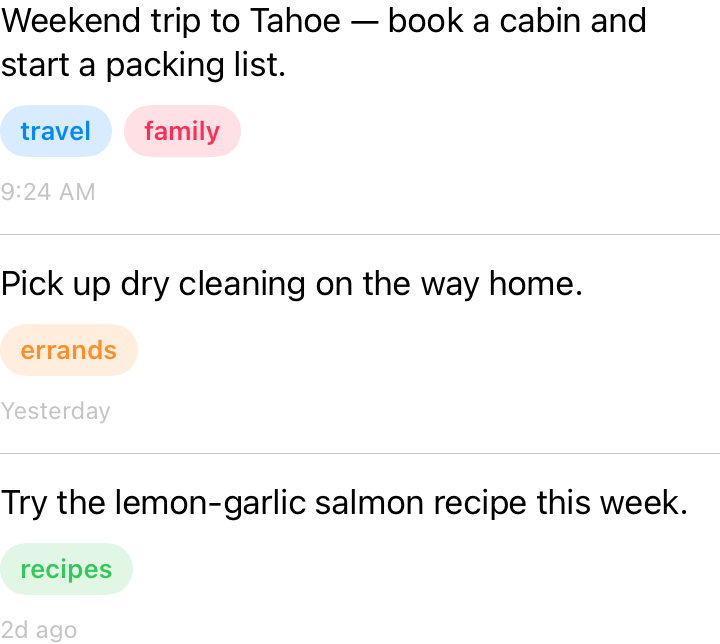
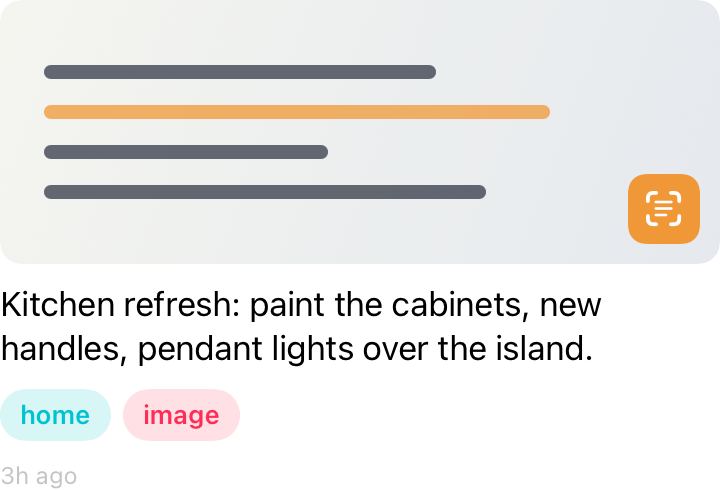
Every capture becomes a real note — tagged and organized for you, and searchable in an instant. Your screenshots, links, and voice notes, all in one place.
The agent
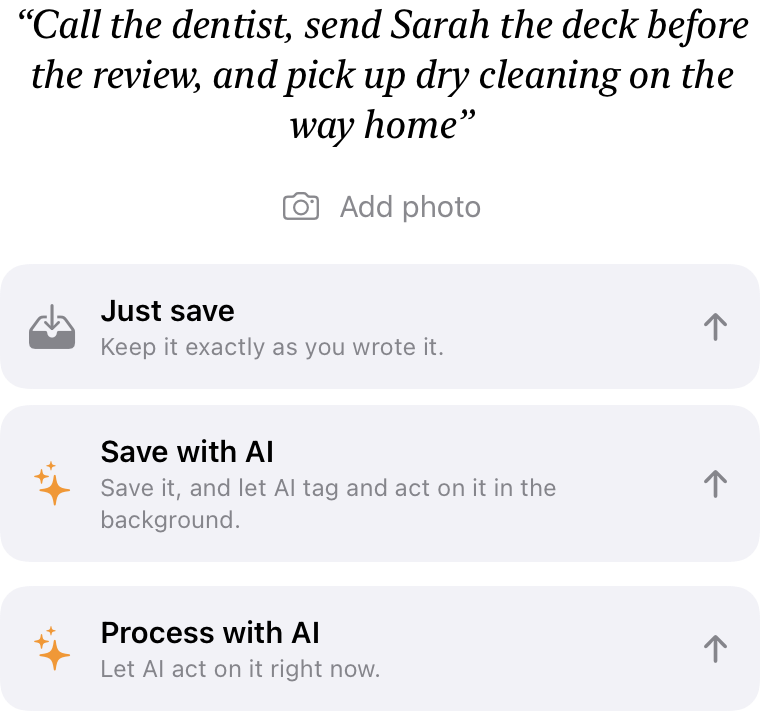
Save anything and have the agent tag it, and schedule the reminders and calendar events. No forms. No fields.
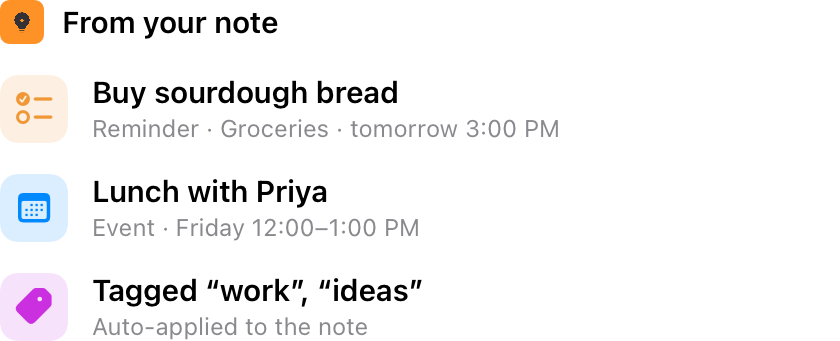
Glanceable
Your next event and the day ahead, surfaced right where you already look.
Count down your next event on the Lock Screen and in the Dynamic Island.
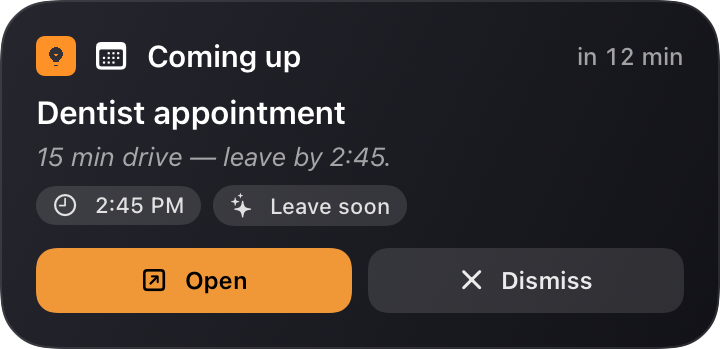
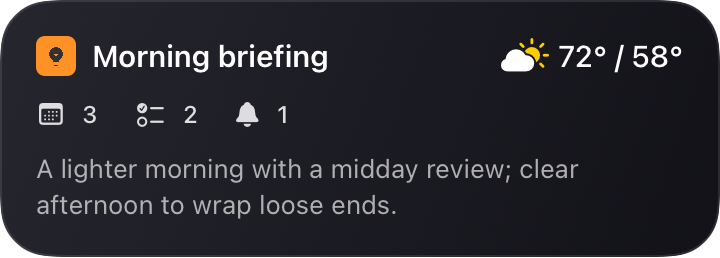
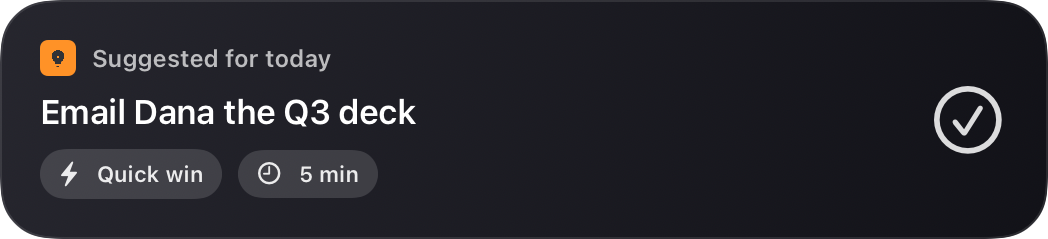

With live countdowns and the day's totals a glance away.
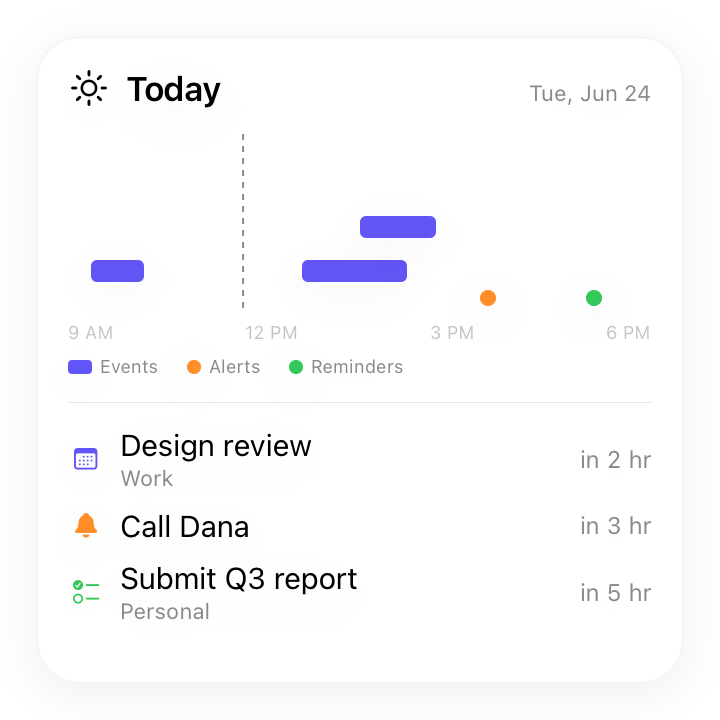
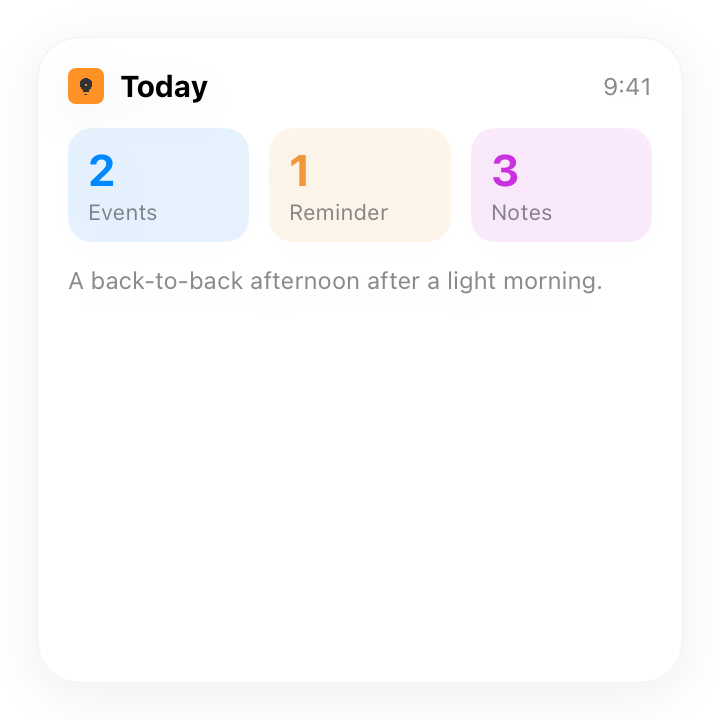
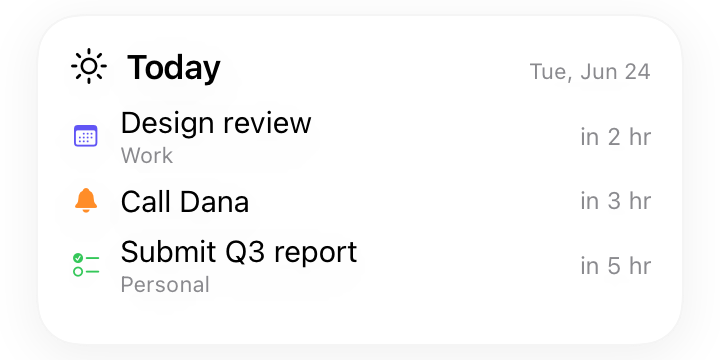
Daily Overview
A short read on what's ahead, in text and a 150-word audio version for the commute. The two or three things you can't miss are surfaced for you, with the weather folded in.

Real systems · real control
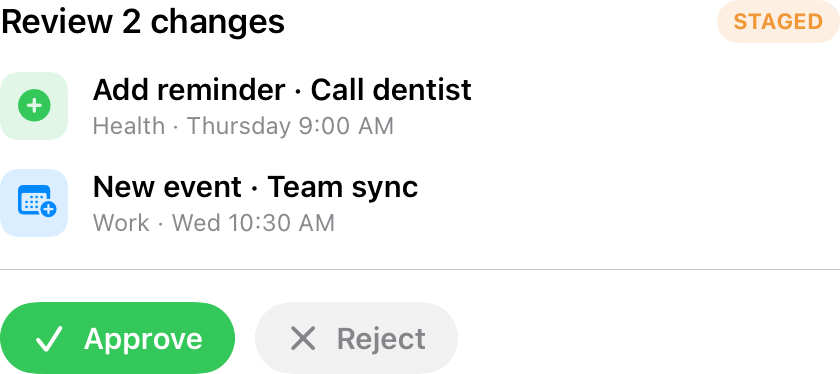
Every new event, change, and deletion is staged as a reviewable card. Review the changes → approve, edit, or reject. Nothing touches your calendar behind your back, and the agent asks when something is genuinely ambiguous.
Even more
Dozens of small touches that make BrainDump feel like it's paying attention.
Private by design
Privacy isn't a setting you switch on. It's how BrainDump is built, from the moment you capture to the moment AI helps.
Dictation, photo text and object recognition, and full-text search run entirely on your device. Your voice recordings and photos never leave it.
Notes sync through your own private iCloud with Apple's CloudKit. The developer has no access to them.
Bring your own key and requests go straight from your device to your provider, never through any developer server, with zero data retention on by default.
Prefer not to manage a key? Choose Managed and we run the AI for you, authenticating your device anonymously, with no name, email, or Apple ID, and never storing or logging your content. Read the privacy policy
Free with your own key, or let us run the AI for you.